



This is Part 3 of a three-part series on getting more out of your Business Central data before, during, and after go-live.
Part 1 — Why Reporting Belongs in Phase 1
Part 2 — Native Reporting vs. a Third-Party Tool
Part 3 — Fixing Reporting After Go-Live (you’re here)
Fix Reporting Without Reimplementing
A third-party reporting tool layers on top of Business Central and fills the gap your data, config, and customizations stay exactly where they are.
Adding a Third-party Reporting Tool to Live Business Central
If you're already live on Business Central and reporting hasn't kept up, what's usually missing is a reporting tool built to sit on top of it. Most teams don't add one right away. They patch the gap instead, and the patches pile up.
It starts with Excel exports to fill what native reporting doesn't cover. Then, a bolt-on tool for the finance reports. Then, Power BI is used when leadership wants dashboards. Each step is reasonable on its own. Together, they scatter your business logic across workbooks, templates, and models built at different times for different audiences, until finance, operations, and sales each produce a different gross margin for the same period, and nobody can say which is right.
How the tool was built matters here. A hosted version of a legacy reporting tool doesn't solve this, because many were built for on-prem NAV and later moved to cloud servers, which isn't the same as a platform designed for Business Central Cloud from the start.
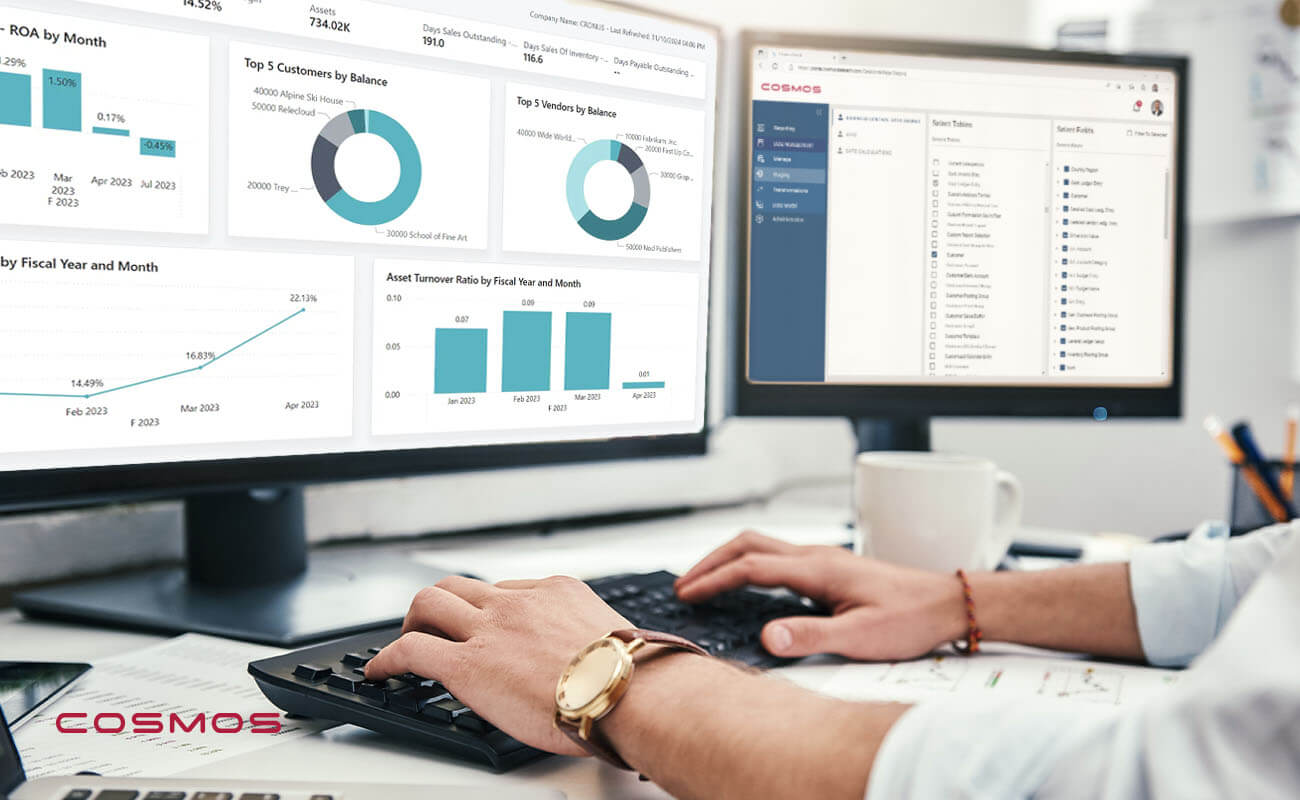
Cosmos is one reporting layer built exactly this way: born in the cloud for Business Central, running on Azure, and made for business users rather than developers. In practice, adopting it looks like this:
- Connect, don't construct. Your Business Central data flows into a prebuilt, normalized model on Azure, so you skip the months of data-warehouse modeling that stall most reporting projects.
- Validate with prebuilt reports. More than 30 prebuilt reports across financials, sales, and inventory let you compare against your current numbers and surface definition drift before the next close, not during it.
- Excel-first, where users live. Finance designs and runs reports in Excel against the reporting warehouse, keeping the flexibility people want without the workbook sprawl and the risk of hidden formulas.
- One model feeds everything. Power BI dashboards, Excel reports, and any future Copilot or AI work all draw from the same governed foundation, so every output tells the same story.
- A home for the legacy library. For migrating NAV, GP, and SL customers, the old Crystal, SSRS, and Jet reports are rebuilt in a single, governed location, and historical data is brought into the warehouse rather than stranded in the old system.
- Not another project. Most Cosmos customers are live in about 30 minutes, running prebuilt reports against their own data. It is an add-on, not a second implementation.
A reporting layer built for BC doesn’t mean touching the ERP, reworking your chart of accounts, or planning another cutover weekend. You’re adding capability to a system that keeps running.
Third-party Business Central Reporting Tools in Action
Here is what that looks like in practice.
Western Computer brought Cosmos to a multi-employer pension and health benefits administrator already live on Business Central. The ERP was running fine; the reporting around it wasn't. The team's analysts wanted to build their own reports in Excel, with the pivot tables they already knew, instead of filing a request and waiting on IT or a developer for every new question. Bringing in Cosmos connected Business Central to Excel and Power BI, and the reporting queue turned into self-service. The team went back to answering its own questions in the tools it used every day.
The pattern repeats across industries. Tidewater Tactical, a niche manufacturer, had been paying its Business Central partner for every custom report. As its CEO put it, the custom commission reports were “costing upwards of $10,000 per report,” with six more queued up. Moving that work into Cosmos turned a developer engagement into an hour of self-service, and the company has since saved thousands in development costs.
APEX Companies, a logistics business operating seven entities, ran its financials in Jet Reports with Dynamics NAV, where pulling a monthly package across all seven entities was slow and required manual effort each cycle. The work was overly administrative and prevented the Controller, Suzanna Norman, from focusing on more strategic tasks. "I want to run it and be done," she said. After moving to Cosmos, she published her first monthly cycle of 15 reports across all seven entities in 15 minutes, in the format leadership wanted, with no reformatting.
MAG Auctions, a family-owned wholesale auto auction business, moved away from Dynamics SL as its support wound down and found that Business Central had no home for the Management Reporter financials that leadership relied on. Native reporting couldn't match the layout or the multi-entity views they were used to, and with no internal IT, there was no one to rebuild them. Using Cosmos, the CFO and controller rebuilt the full suite themselves in Excel in a few weeks, not the months an outside developer would have taken, and the CFO now spends at least half as much time preparing reports. As she put it, Cosmos "taught us how to build reports ourselves."
Cosmos reports run against its own cloud warehouse rather than querying Business Central live, so the data is near-real-time, refreshed on a schedule rather than to the second. That is what lets many people run heavy, multi-company reports at once without slowing Business Central or freezing Excel. For close, consolidation, and analysis, near-real-time is exactly what teams need.
Want to see how the tools actually compare? Cosmos has a comparison of the 5 Best Business Central Reporting Tools.
Already Live on Business Central? Add a Tool, Not Another Project
You're live and compiling data that can offer richer insights than you currently have access to. Adding Cosmos takes about thirty minutes: it sits on top of Business Central and reports against the data you already have, with no new chart of accounts and no cutover weekend. Finance and operations get their own reports without waiting on IT, and the whole business works from one set of numbers. The underlying platform doesn't change, and the business isn't disrupted.
Western Computer can bring in Cosmos and have you reporting against your own data fast.
Talk to Western Computer about a Cosmos demo.
Business Central Reporting FAQs
Can I customize Business Central reports without a developer?
To a point. You can adjust account schedules, analysis views, and some layouts yourself, but adding fields, changing report objects, or building new custom reports usually requires AL or RDLC development, which typically means working with a developer or your partner. A reporting layer built for business users lets finance and operations build and modify reports in Excel without code.
Can we report on historical data after adding a reporting tool?
Yes, for the history that lives in Business Central and the Dataverse behind it. A reporting tool sitting on top reads your posted entries, so anything migrated into BC is available to report on, including prior years for trends and comparatives. Cosmos can also report on data held in Dataverse, so records surfaced there are in scope as well, not just BC's own tables. The limit is what didn't come across at all: history left behind in the old NAV, GP, or SL system isn't accessible to a reporting layer, because it lives in neither Business Central nor Dataverse. If key history is still stranded in the legacy system, that's a data question to settle first, and it's worth confirming what came forward before you assume a reporting gap is the tool's fault.
Will adding a reporting tool disrupt our live Business Central system?
No. A reporting tool built for Business Central sits on top and reads the data you already have. It doesn't change your ERP, your chart of accounts, or your posting setup, and there's no cutover weekend or downtime to plan around. Because the underlying platform stays as is, you're adding capability rather than reopening the implementation, which is why teams can be up and reporting on their own data the same day.