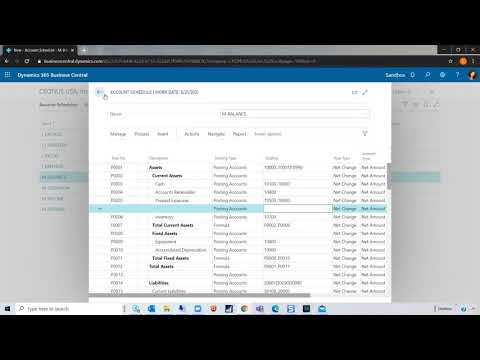
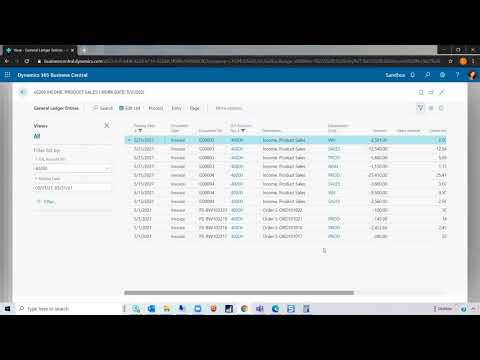
In part one of our Account Schedules series, we will walk you through how to set up account schedules using subcategories in Dynamics 365 Business Central. Contact us for a personalized demo: https://bit.ly/32ChDNg. CALL: (805) 261-2268 VISIT: https://www.westerncomputer.com/ EMAIL: info@westerncomputer.com FOLLOW US: https://www.facebook.com/Western-Computer-236693736372775/ https://twitter.com/WesternComputer https://www.linkedin.com/company/western-computer

Unlock the Future of Smarter Selling
Book a consultation with a Dynamics 365 Sales expert to discover how AI and human connection can work hand-in-hand.