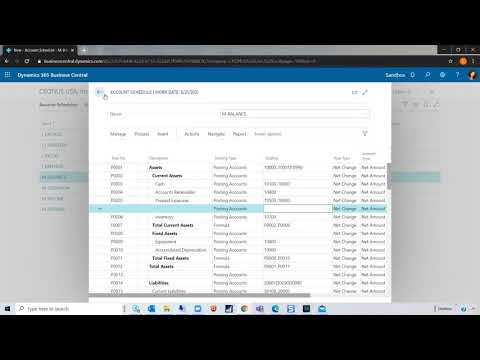
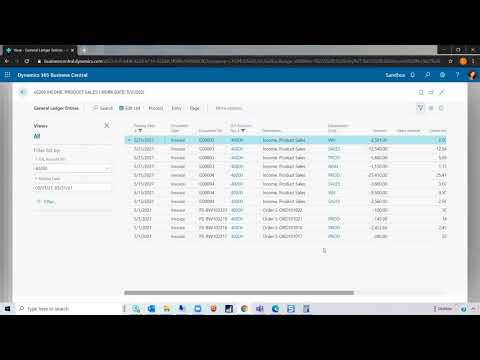
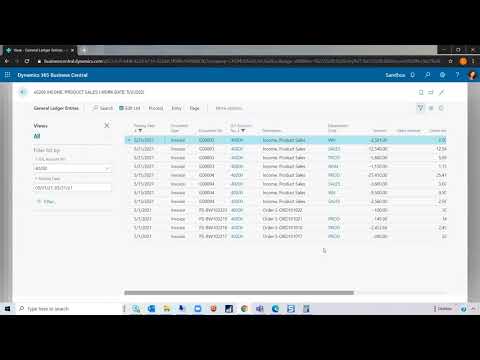
Watch this video for a detailed overview of Microsoft Dynamics 365 Field Service’s Schedule Board. Learn how to filter by characteristics, roles, territories, and more. Understand which views are available such as Gantt chart, print schedule, map, and requirements view. Our Dynamics 365 consultant, Kayla Rodhe, will work you through how to manually schedule a resource (4:30) or use the schedule assistant (6:22) within the Schedule Board to find and schedule the appropriate resource for your job. Contact us for a personalized demo: https://bit.ly/32ChDNg. CALL: (805) 581-5020 VISIT: https://www.westerncomputer.com/ EMAIL: info@westerncomputer.com FOLLOW US: https://www.facebook.com/Western-Computer-236693736372775/ https://twitter.com/WesternComputer https://www.linkedin.com/company/western-computer

Unlock the Future of Smarter Selling
Book a consultation with a Dynamics 365 Sales expert to discover how AI and human connection can work hand-in-hand.