



This webinar walks through best practices for setting up native controls in D365 Business Central Cloud, focusing on steps that strengthen security, maintain compliance, and streamline operations. Gain actionable guidance to protect your data and optimize your cloud environment effectively.

Unlock the Future of Smarter Selling
Book a consultation with a Dynamics 365 Sales expert to discover how AI and human connection can work hand-in-hand.

Featured Posts
1 min

How D365 F&O Improves Shop Floor Control
Shop floor control is essential for efficient manufacturing, and this webinar explains how Dynamics 365 Finance and....
1 min

Multi-Company Payments in D365 Enterprise for Operations
Handling payments across multiple entities requires precision and coordination. This webinar explains how Dynamics 365....
1 min
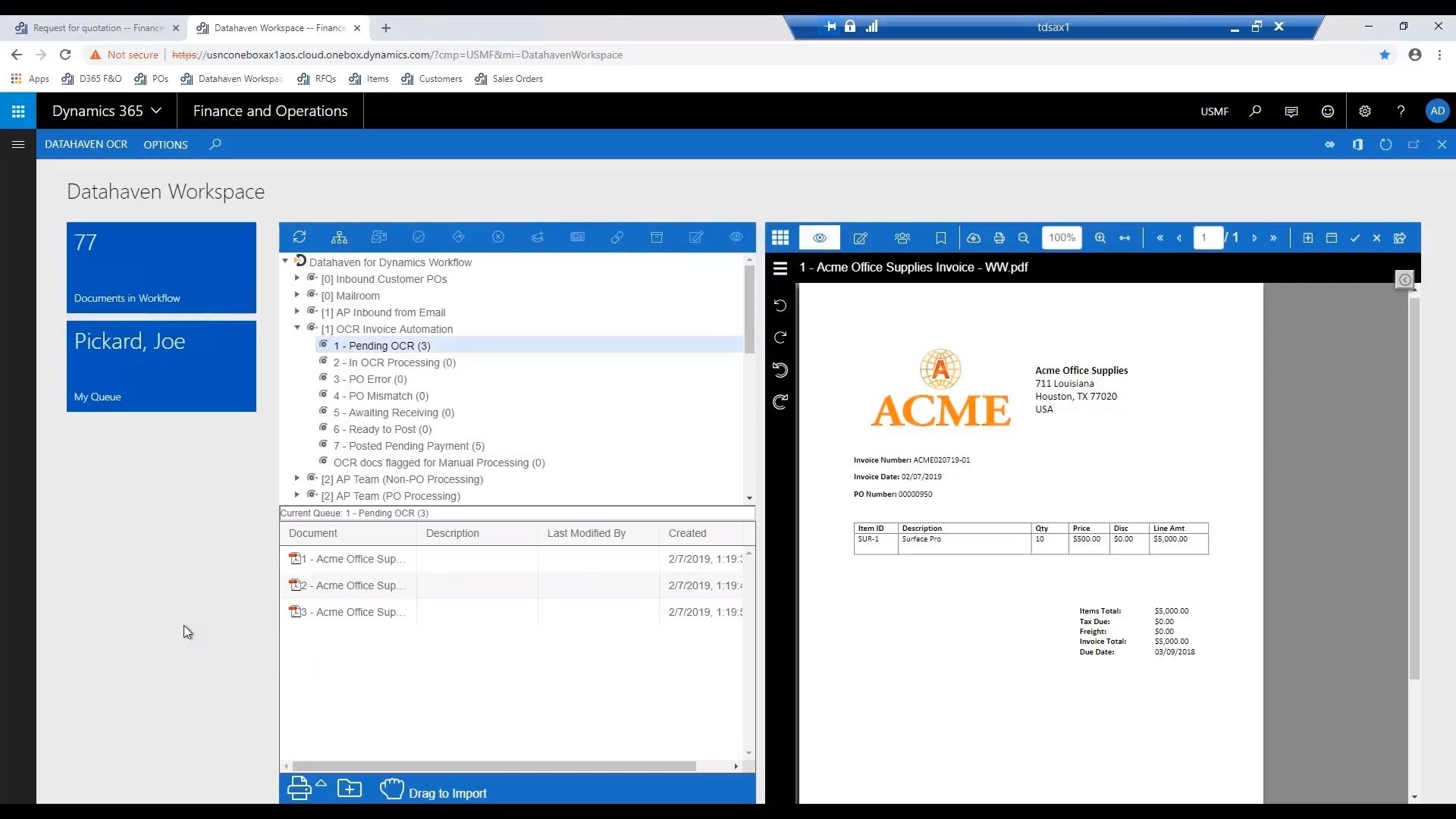
Document Automation: D365 Finance and Operations
This webinar explores document automation capabilities in Dynamics 365 Finance and Operations. Strategies for reducing....