BC Cloud Reports That Refresh in Seconds
See Cosmos, the first reporting platform built specifically for Business Central Cloud, running live in a real BC environment.
The Problem
Your reporting tools weren't built for BC Cloud
Most companies moving to Business Central Cloud hit the same wall: the reporting tools they relied on don't follow them. Excel-based solutions slow everything down and lock your instance during refresh. On-premise tools like SSRS and Jet Reports need direct SQL access, which doesn't exist in a SaaS environment. And Power BI, while powerful, requires SQL or DAX expertise that most finance teams don't have on hand.
The result is a finance team that's back to manual workarounds, slow reporting cycles, and decisions made on data that's older than it should be.
The Solution
Cosmos was built for exactly this problem
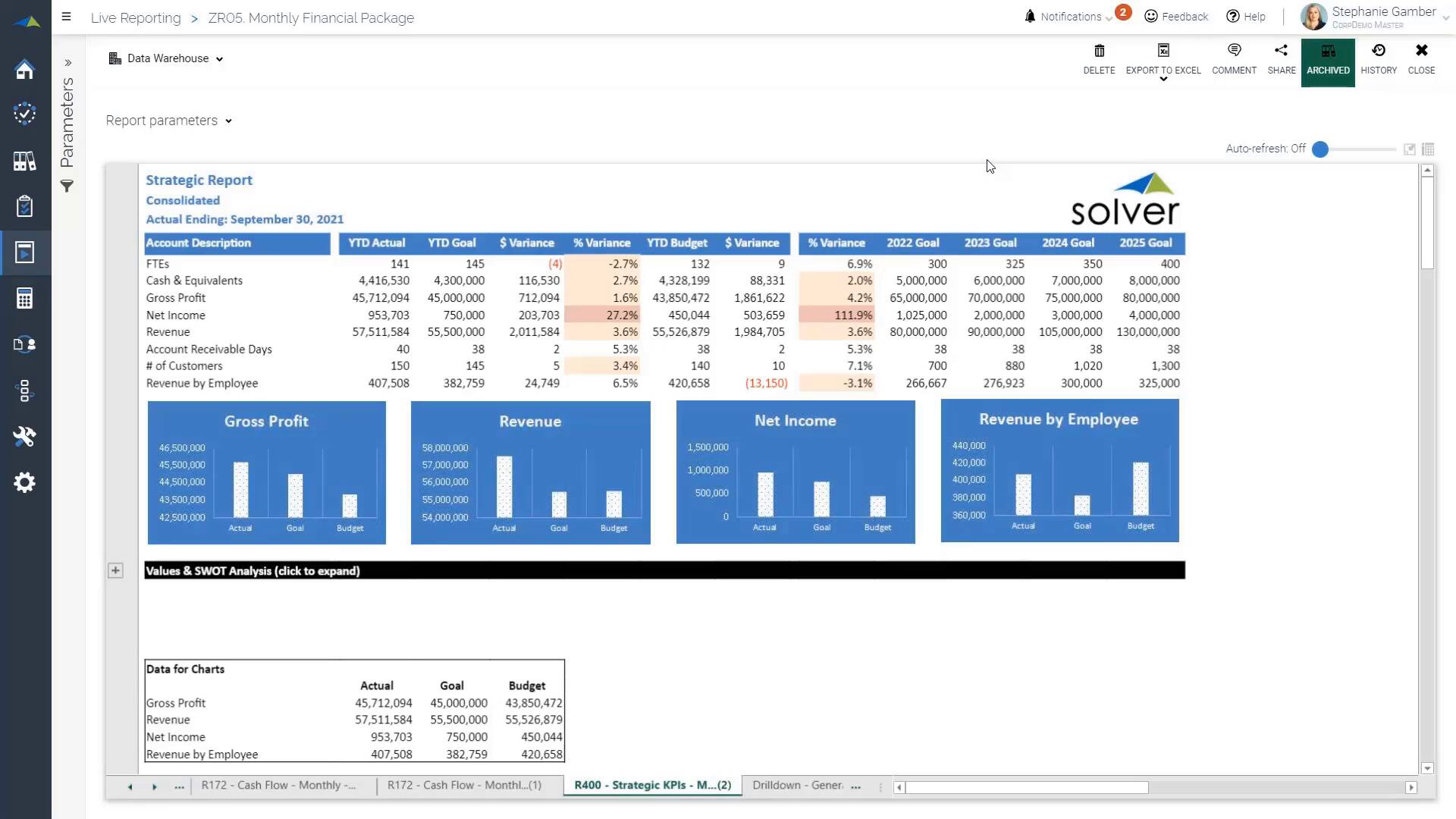
Cosmos is the first reporting, analytics, and data management solution designed from the ground up for Business Central Cloud. It connects directly to BC without middleware, lets business users build and run reports without IT involvement, and refreshes data in seconds without tying up Excel.
Reports run 48x faster than Excel-based tools. And the 2-way Power BI integration means you can build dashboards from BC data without writing a line of SQL or DAX.
What You'll See
A live demo in a real Business Central Cloud environment
Cosmos presenter Andrew Pierson will walk through the platform live, connecting to BC Cloud, building and running a report from scratch, and demonstrating the Power BI integration. This is a working demo, not a slide deck walkthrough.
- Build and run a report without SQL or coding
- See data refresh in seconds without locking Excel
- Connect BC to Power BI using the 2-way integration
- Understand whether Cosmos fits your reporting environment
If you're running Business Central Cloud and your reporting still feels like a workaround, this is the session for you.