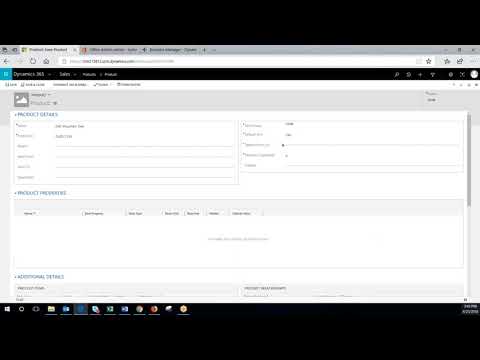
In this video, we explore the product menu settings available to administrators in the application. The first setting discussed is the enhanced experience for adding products to opportunities, quotes, orders, and invoices. This feature allows users to edit the view and quickly add multiple lines at once, rather than adding them one by one. The video provides a screenshot of what this feature looks like and demonstrates it on a 3D printer opportunity in a trial environment. The video also discusses the setting for creating products in an active state and making the price list optional. These settings help save time and configuration setup for administrators who have permission to create products. Overall, this video provides insights into how to optimize product management in the application and improve user experience. The product menu settings discussed can help users add products quickly and efficiently while reducing clicks and configuration setup. Contact us for a personalized demo: https://bit.ly/32ChDNg. CALL: (805) 581-5020 VISIT: https://www.westerncomputer.com/ EMAIL: info@westerncomputer.com FOLLOW US: https://www.facebook.com/Western-Computer-236693736372775/ https://twitter.com/WesternComputer https://www.linkedin.com/company/western-computer

Unlock the Future of Smarter Selling
Book a consultation with a Dynamics 365 Sales expert to discover how AI and human connection can work hand-in-hand.