



This webinar shows you how to customize out-of-the-box reports in Dynamics 365 Business Central to fit your organization’s unique requirements. You’ll learn practical steps to modify layouts, add fields, and enhance reporting flexibility, helping you turn standard reports into powerful tools for smarter business decisions.

Unlock the Future of Smarter Selling
Book a consultation with a Dynamics 365 Sales expert to discover how AI and human connection can work hand-in-hand.

Featured Posts
1 min
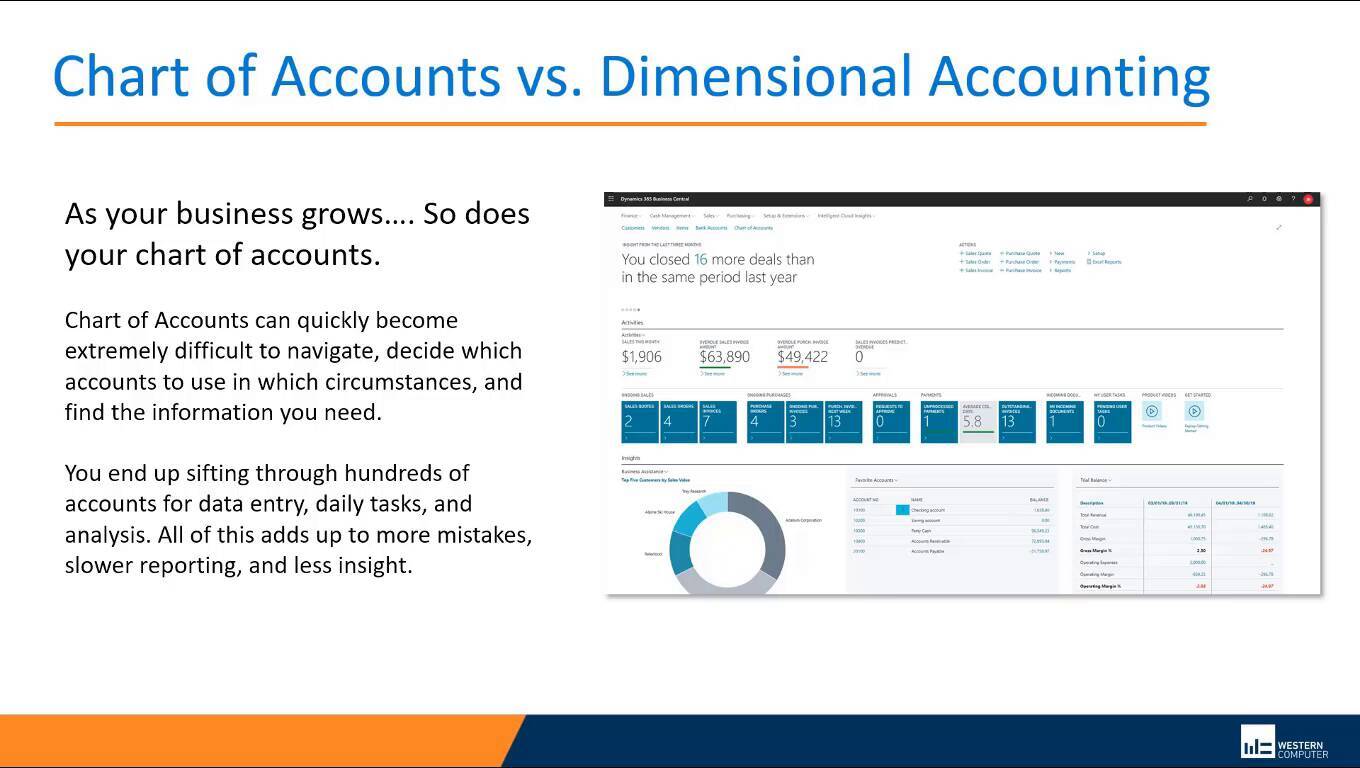
Transitioning from Dynamics GP to D365 Business Central
This webinar provides a comprehensive roadmap for businesses planning to transition from Dynamics GP to Dynamics 365....
1 min

Upgrade Dynamics GP and NAV to D365 Business Central
This webinar focuses on proven strategies for upgrading from Dynamics GP and NAV to Dynamics 365 Business Central.....
1 min
Expert Guidance for Moving from Dynamics GP to D365 BC
In this webinar, we take a deeper look at the second phase of transitioning from Dynamics GP to Dynamics 365 Business....